Newegg: marketplace guide
About this guide
This is a ChannelEngine guide on the California-based marketplace Newegg. Here you can find information on how to request a Newegg account, how to configure this channel on ChannelEngine, and what the specific requirements are.
Table of contents
Channel-specific requirements and exceptions
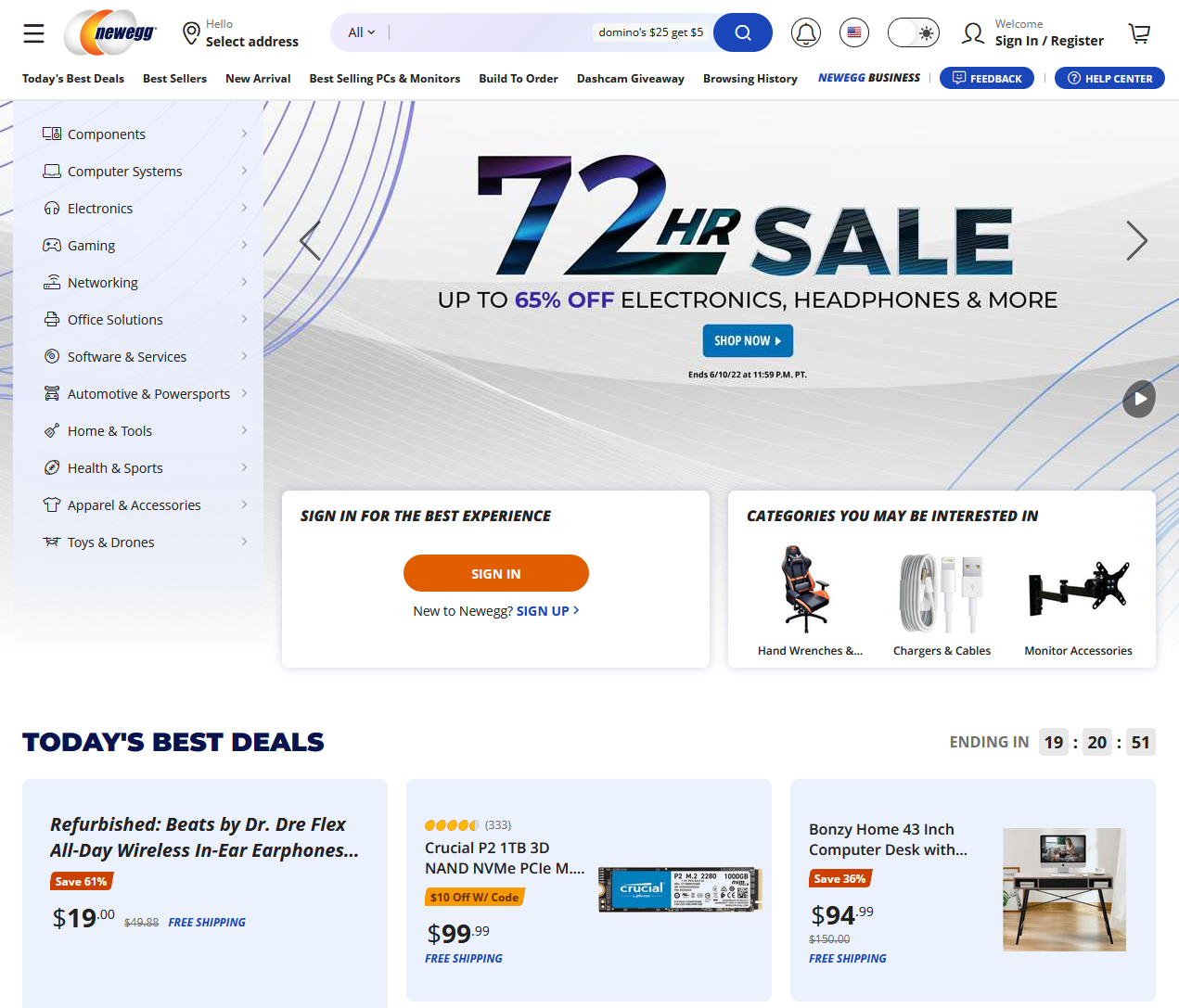
Commercial information
| Founded | 2001 |
| Founder | Fred Chang |
| Headquarters | City of Industry, California, United States |
| Area served (orders) | Argentina, Australia, Bahrain, Hong Kong, India, Israel, Japan, Kuwait, Mexico, New Zealand, Oman, Philippines, Qatar, Saudi Arabia, Singapore, South Korea, Thailand, Turkey, United Arab Emirates, United Kingdom, United States |
| Revenue | USD 2.38 billion (2021) |
| Number of monthly visits | 17.2 million (2022)* |
| Website | newegg.com |
| Setup cost | N/A |
| Commission | 8%-15% |
| Other costs | none |
| Payment | every 15 days |
| Product categories | Components and storage, computer systems, computer peripherals, server and components, networking, smart home and security, automotive, beauty and personal care, consumer electronics, fashion, apparel, and accessories, garden, healthcare products, home and living, home appliances, office supplies, refurbished, tools and home improvement, toys, games, and crafts |
| Input language | English |
| Input currency | AED, ARS, AUD, BHD, CAD, GBP, HKD, INR, ILS, JPY, KRW, KWD, MXN, NZD, OMR, PHP, QAR, SAR, SGD, THB, TRY, USD |
| Content creation | yes |
| Minimum number of SKUs | 1 |
| Advertisement options | yes |
| Profile on ChannelEngine | Newegg |
* Statistics for newegg.com.
How to request an account
To start selling on Newegg, go to their Seller account registration and follow the steps listed on it. Note that you need to have the following information on hand to go through the account registration process:
- Business address and contact information
- Business website and/or other marketplaces website
- Basic business information (e.g.: annual sales, number of employees, number of SKUs, etc.)
- Business type (sole proprietorship is not accepted)
- Business tax ID/EIN
- A signed and dated W-8/W-9 form within 12 months
- Business license (If you are an international seller)
- Business bank account information
- A valid and chargeable credit card
For more on qualification requirements, check out the Newegg documentation.
Associated costs
Newegg does not charge monthly fees. However, it does charge a sales commission of 8% to 15%, depending on the product category and whether you sell domestically or internationally. For more on commission rates, check out the Newegg documentation.
Channel features
| Supported | Not supported |
|---|---|
| Product content | Marketplace fulfillment service |
| Product offers | Repricing |
| Orders (split) | Product variations |
| Shipments | Cancelations (marketplace) |
| Cancelations (merchant) | Invoice uploads |
| Returns (merchant) | Last-mile delivery/shipping labels |
| Returns (marketplace) | |
| Settlements | |
| Refurbished products | |
| Sales channels* |
* A marketplace that supports sales channels allows merchants to list and sell products across multiple markets (e.g.: countries, regions, and states), all from the same connection. You can sell in many different countries on newegg.com from the same channel on ChannelEngine.
Settings and configuration
Setting up each channel on ChannelEngine follows the same flow, though not every channel includes the steps listed below.
- Go through the Setup.
- Create a Product selection.
- Complete the Categorization.
- Set up the Mappings: content, offers, and carriers.
- Configure the Pricing: rules and currency conversion.
- Fill in the Stock settings.
- Finish the Activation.
- Check the Listed products overview.
Channel-specific requirements and exceptions
Setup
On Newegg
- Log in to the Newegg Seller Portal.
- In the top-right corner, hover over your username. Go to Data feed settings, API settings, Enable API.
- You must have an Admin login to access your API credentials.
- Click Request and enter your contact information.
- Once entered, click Register.
- Copy and save the following credentials:
- Seller ID
- Default API key
- Default API secret key
On ChannelEngine
Go to the Setup page of your Newegg channel on ChannelEngine, and configure the subsections.
Connection and Authorization
In Connection, fill out:
- Seller ID - your Seller ID on Newegg.
- API key - your default API key on Newegg.
- API secret key - your default API secret key on Newegg.
In Authorization, click Save to complete the authorization process.
Plugin-specific settings
- Warehouse location country ISO three-digit code - enter the three-digit ISO code of the country where your warehouse is located, using the PDF provided on Newegg's website.
- Shipping destinations for global sellers - select the countries where you ship products to.
- Warehouse locations for global sellers - select the countries where your warehouses are located for order fulfillment.
Categorization
Categorization is only needed on Newegg if you want to create new products or update existing product information. The categorization is straightforward, and it uses attribute names in English.
Mappings
Content
All products (required)
- Bullet description - the product's highlights. Use two carets in a row (^^) to separate different highlights. The maximum number of characters is 1,000, including spaces and separators. HTML formatting is not supported.
- Country of origin - the product's country of origin. Indicate it using the ISO 3166-1 alpha-3 three-digit code. E.g.: FRA, GBR, JPN.
- Description - the product's description. The maximum number of characters is 4,000. Limited HTML formatting is supported (e.g.: ol, ul, li, br, p, em, strong, sub, sup, img.).
-
Main image URL - the product's main image. The requirements are:
- Minimum resolution - 640x480 px.
- Maximum file size - 10 MB.
- Formats - JPG, JPEG, PNG, GIF.
- Background - white or transparent.
- Manufacturer - the product's manufacturer. E.g.: Framework, Fairphone, etc. If your manufacturer is not included in the list, contact Newegg to have it added.
- Manufacturer parts number - the product's MPN.
- Packs or sets - the number of packages related to this product. Once a value is entered, it cannot be updated. E.g.: if the product is shipped in a single package, enter 1.
- Short title - the product's title. The maximum number of characters is 200.
- Weight - the product's weight, in pounds (lb). Only two digits after the decimal point are required.
All products (optional)
- Condition - the product's condition. E.g.: refurbished, used - acceptable, used - good, used - like new, etc.
- Condition details - additional details about the product's condition. Only applicable to newegg.com.
- EAN - the product's 13-digit GTIN.
- Extra image 1-9 URL - the product's additional images. For image requirements, check Main image URL.
- Has shipping restriction - specify if the product has a shipping restriction, and cannot be shipped by air.
- Item height - the product's height, in inches. E.g.: 5.00.
- Item length - the product's length, in inches. E.g.: 10.00.
- Item width - the product's width, in inches. E.g.: 7.00.
-
Item's package - select the type of packaging the product comes in:
- Retail - branded packaging typically seen in stores. It may include extras such as manuals or accessories.
- OEM - plain packaging, usually without extras. Commonly intended for business use or bulk purchases.
- Manufacturer item URL - the manufacturer's page describing the product.
- Manufacturer’s suggested retail price in $ - the product's MSRP, in USD.
Offer
All products (required)
- Price before (re)price rules - the standard price attribute. This is the default price used on Newegg. If no country-specific price is defined, this value is applied. Currency conversion is not automatically applied. E.g.: if the Selling price HKG attribute is not defined and you sell in Hong Kong, the system uses the value from this attribute without converting the currency. If you are using pricing v2 on ChannelEngine, this attribute is not used.
- Shipping charge - the cost to deliver the product.
All products (optional)
- Active in [country code] - specify if the product should be available for sale in this country. This attribute only applies if you sell in countries other than the United States on newegg.com.
- Enable free shipping [country code] - select to offer free shipping for the product in this country. This attribute only applies if you sell in countries other than the United States on newegg.com.
- Fulfillment option - choose how the product is fulfilled.
- Limit quantity - limit the number of products a buyer can purchase within 48 hours.
- MAP price [country code] - the minimum advertised price in the local currency of the country. This attribute only applies if you sell in countries other than the United States on newegg.com.
- Selling price [country code] - the regular selling price in the local currency of the country. This attribute only applies if you sell in countries other than the United States on newegg.com.
- Stock in [country code] - the number of units available in the warehouse located in that country. This attribute only applies if you sell in countries other than the United States on newegg.com.
In Mappings, Offer mappings, the following offer attribute may appear on this channel, if this channel uses pricing v2:
- Allow promotion below min price - set it to ‘true’ to allow the promotion price to drop below your product's minimum price.
In Mappings, Fee group mappings, map the marketplace fee group ID of the product.
In all cases, map your selling price in the Pricing step, in Price rules.
Carrier
Carrier mapping is required on Newegg, and several logistics companies are listed.
Pricing
Newegg requires the prices to be submitted in the respective currency of the country. If you do not have pricing attributes in the needed currency, you need to set a currency conversion.
Listed products
If you have problems with products not appearing on the marketplace – especially if you are trying to create products – check the Listed products page for more information.
You can either use the Channel status filter (e.g.: products that ChannelEngine has failed to export, such as those with an empty GTIN or that do not exist on the marketplace yet, are shown as Invalid) or the Validation and feedback tab to see all known errors for specific products.
Additional information
Order extra data items
When an order is imported to ChannelEngine, ChannelEngine also retrieves extra data items related to the order itself – or to order lines. This extra data is specific to this marketplace. An explanation of each can be found below:
Order extra data
| Key | Conditional* |
Description |
shipping_method |
Yes | The shipping carrier that will fulfill the delivery of the channel order. |
shipping_service |
Yes | The shipping service that will fulfill the delivery of the channel order. |
* Conditional fields only display if the channel provided a value.
FAQs
How often does each task run on Newegg?
| Task | Frequency |
|---|---|
| Export product data to channel | every 60 minutes |
| Export product offers to channel | every 60 minutes |
| Import product offers to channel | every 60 minutes |
| Import orders from channel | every 15 minutes |
| Export order shipments to channel | every 60 minutes |
| Import returns from channel | every 60 minutes |
| Export returns to channel | every 60 minutes |
Comments
0 comments
Article is closed for comments.